|
|
本帖最後由 net.man 於 2026-7-28 07:12 編輯
前提:遊戲預覽影片放置位置 menu-art\snap\
打開layout.nut
大部分都平面...直接設定位置XY、影片高度HW就好了
-----------------------------------------------------------
// 影片 左邊,上面, 寬度,高度
fe.add_artwork( "snap", 170, 410, 330 ,190 );
-----------------------------------------------------------
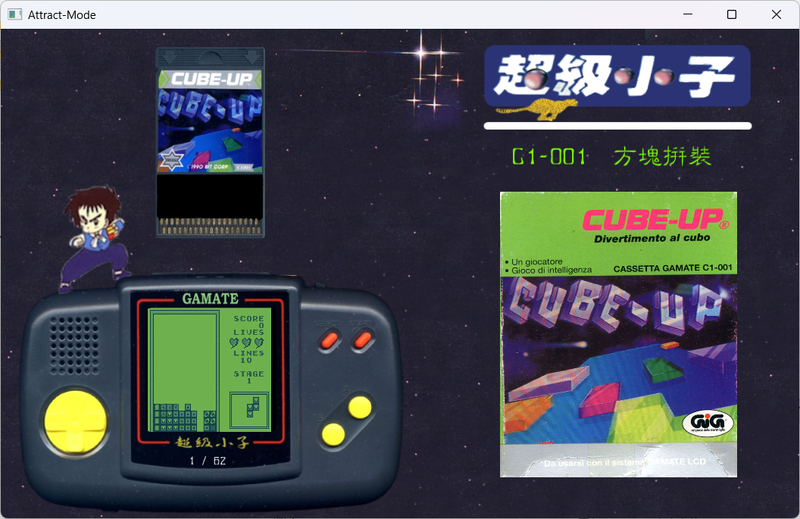
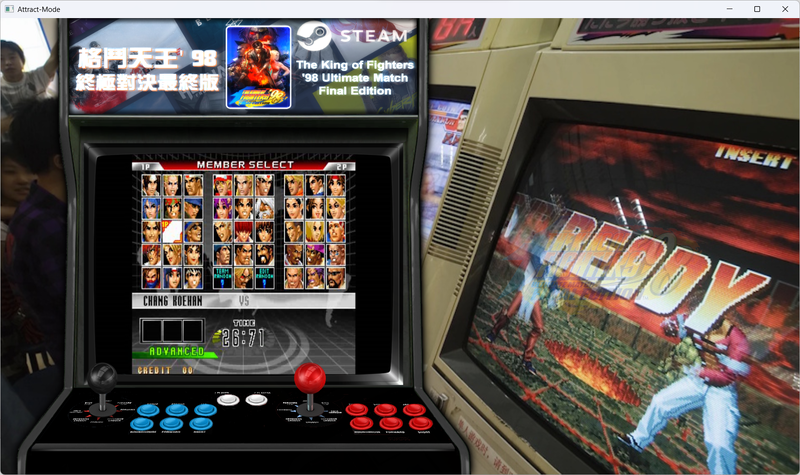
那要斜放或是跟著螢幕角度~
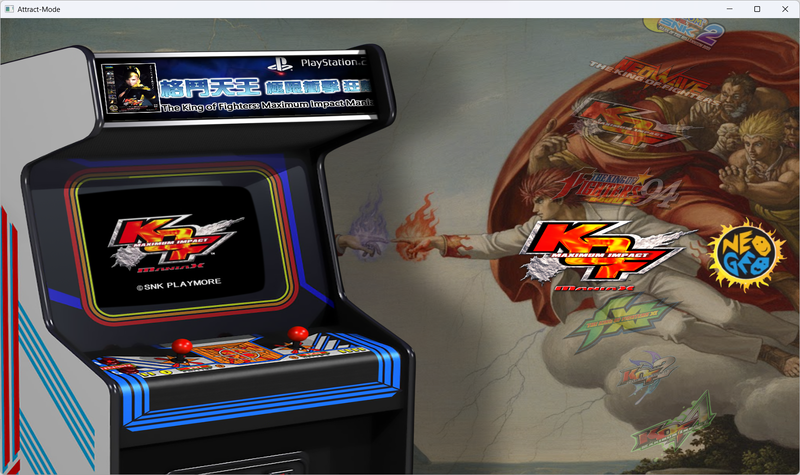
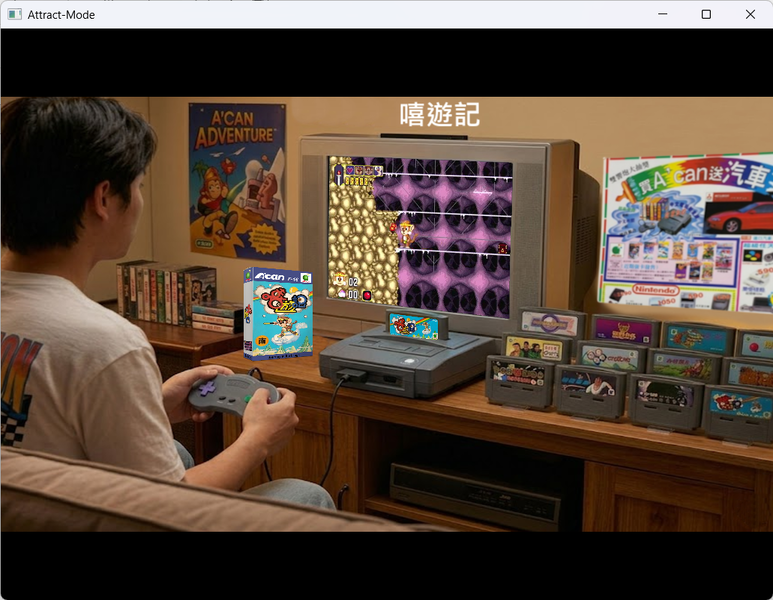
以下為斜度設定預覽影片參數
----------------------------------------------------------------------------------------
// 1. 影片座標,2.3.調整後影片會變形~~還是要調整影片高寬
local snap = fe.add_artwork("snap", 525, 90, 350, 260);
//2. 旋轉會讓影片右側自然下垂,配合電視的傾斜度:上下旋轉
snap.rotation = 3;
// 3. 調整影片的傾斜切變(Skew):前後傾斜
try { snap.pinch_y = -8; } catch(e) {}
// 4. 強制設定影片的中心點為左側,這樣旋轉時左邊才不會跑位
snap.skew_x = 10;
//底圖 左邊,上面,寬,高 <----- 小技巧 :底圖放在後面就像圖層概念一樣一層壓一層 這樣感覺影片會在圖後面~~框看起來會比較完整~~不會被影片蓋掉
fe.add_image( "glbg.png", 0, 0, 1280, 720);
----------------------------------------------------------------------------------------
Attract-Mode教學:1基礎認識
https://gmerago.com/forum.php?mod=viewthread&tid=6702
Attract-Mode教學:2.文字設定
https://gmerago.com/forum.php?mod=viewthread&tid=7476
Attract-Mode教學:3.中文化
https://gmerago.com/forum.php?mod=viewthread&tid=7516
Attract-Mode教學:4.romlists編輯
https://gmerago.com/forum.php?mod=viewthread&tid=7569
Attract-Mode教學:5.各模擬器參數設定
https://gmerago.com/forum.php?mod=viewthread&tid=7778
Attract-Mode教學:6.換頁
https://gmerago.com/forum.php?mod=viewthread&tid=9146
Attract-Mode教學:7.影片角度
https://gmerago.com/forum.php?mod=viewthread&tid=9263
Attract-Mode教學:8.模擬器整合
https://gmerago.com/forum.php?mod=viewthread&tid=9389
Attract-Mode教學:9.模擬插卡
https://gmerago.com/forum.php?mod=viewthread&tid=9719
|
評分
-
查看全部評分
|




 發表於 2026-5-18 19:58:30
 發表於 2026-5-19 00:16:59
